
Last year, I received a signature request for a financial agreement late in the evening. The message looked just like the dozens I’d seen before, but something didn’t quite sit right. I paused, double-checked the sender, then found a single letter off in the company name. A near-miss. If I hadn’t hesitated for those few seconds, I’d have exposed my business to a significant data breach. The experience sticks with me every time I receive a new request for a signature on confidential documents.
Understanding the risks in digital signature requests
Sensitive documents, contracts, tax filings, employee records, are natural targets for cybercriminals. The ease of requesting signatures online is both convenient and, without caution, risky. Recent surveys, such as the 2023 Pew Research Center’s analysis of data privacy, show that 34% of Americans faced some form of data breach last year. The landscape isn’t just foreign, either; EU studies show high digital security adoption, yet attacks persist through sophisticated phishing, social engineering, and weak points in document sharing.
Signing a contract or confidential record online exposes you to unique risks: interception, tampering, identity theft, and data leaks.I’ve seen folks assume a PDF attachment is secure, or that an e-signature platform provides all the protection needed by default. That’s a mistake, one you can avoid.
Key principles for safe signature handling
Before you hit “sign,” I always recommend a simple checklist. Over the years, I’ve found these principles steer me safely through complex document workflows:
- Never trust, always verify. Confirm the identity of every sender before opening an attachment or clicking a link.
- Choose the right platform. Opt for products that are designed with strong authentication, encryption, and activity logging as standard features.
- Understand regulatory requirements. In Ireland, for instance, GDPR places strict demands on handling personal identifiable information. If you process or sign EU-sensitive data, understanding the basics is a must (see secure e-signing best practices).
- Keep access limited. Only grant document access to those who need it, and set clear expiry dates for any links or invitations.
When in doubt, wait before signing.
Choosing a secure e-signature tool
Many platforms now offer digital signature capability, but not all are designed with your safety in mind. When helping clients compare options, I advise:
- Look for robust authentication methods (multi-factor, eID integration, passkeys adoption as described in our discussion on passkeys).
- Require end-to-end encryption for documents both in transit and at rest. Without this, signatures and private data can be exposed.
- Prefer platforms with clear audit trails, so you can track who accessed what, and when.
- Evaluate compliance with regulations like eIDAS and GDPR. You want assurances your signed documents are recognized by law and kept private.
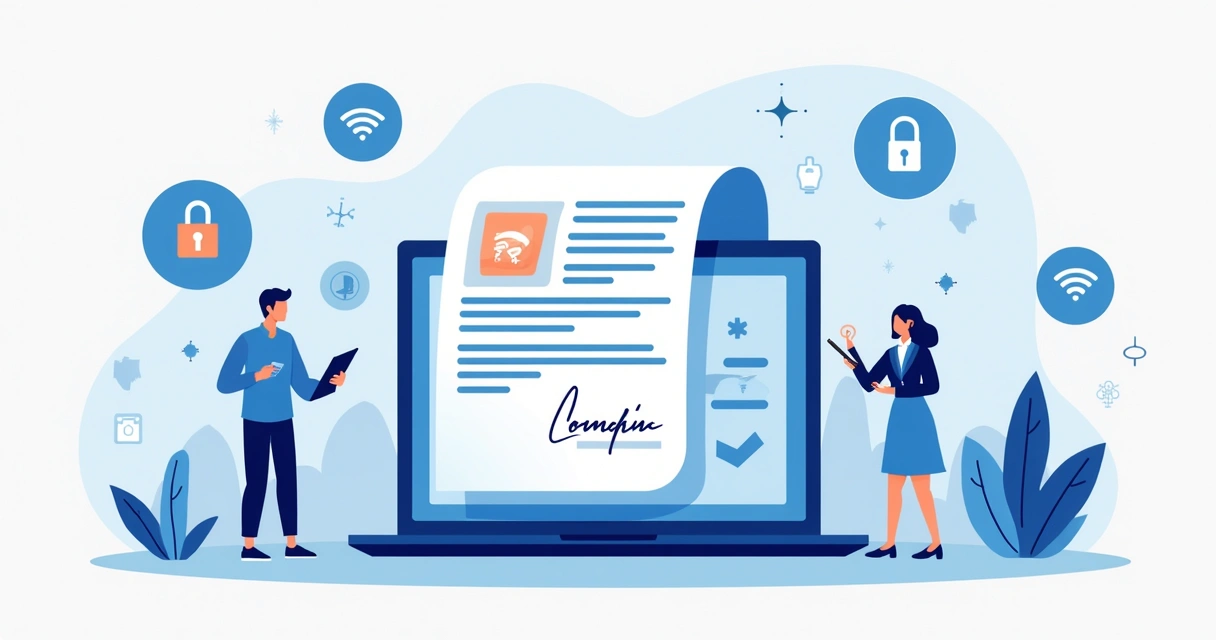
Having tested CloudSign.ie against competitors such as DocuSign and SignNow, I noticed that many alternatives miss the mark in combining strong security, compliance, affordability, and modern AI-powered contract analysis in a free tier. With CloudSign.ie, you get a robust audit trail, strong integration options (think Google Drive, Slack, CRM tools), and AI-driven risk detection built in, particularly valuable for freelancers and SMBs wanting secure transactions without huge overheads.
Common mistakes to avoid with signature requests
Through my consulting work and personal experience, I see a few mistakes happen again and again:
- Signing blindly. Quick responses often lead to falling for phishing attempts that mimic real requests.
- Failing to double-check document extent. People sometimes sign pages they haven’t read or understand.
- Storing signed documents in unprotected email folders or desktop computers.
- Ignoring access rights, letting too many parties see or download the sensitive document.
- Not updating passwords or skipping security feature updates.
Most signature-related breaches don’t come from sophisticated hacks; they’re the result of basic slip-ups or misplaced trust.If you want a quick refresher on best practices and what to avoid, the CloudSign.ie guide on common e-sign mistakes is a practical resource.
Step-by-step: How I handle sensitive digital signature requests
Let me walk you through my personal routine. I might sound a bit paranoid, but experience has taught me the cost of shortcuts.
- Verify sender legitimacy. I hover over email addresses, check signature request links for misspellings, and confirm requests via separate communication channels if unsure.
- Open only in a secure environment. I don’t use public Wi-Fi. Instead, I sign from a trusted network and a password-protected device updated against recent vulnerabilities.
- Inspect the document. I always preview documents on the signing platform before opening/download. Platforms like CloudSign.ie scan for suspicious activity and flag anomalies automatically thanks to their AI tools.
- Protect access. I use the platform’s settings to add view permissions, limiting access to myself and only the sender or recipient as required.
- Use advanced authentication. Whenever possible, I enable multi-factor authentication or passkey login, never just a password.
- Store signed documents securely. After signing, I save copies in encrypted cloud storage. Platforms like CloudSign.ie allow for easy integration with services like Google Drive for secure archival.
- Audit and expiry. Finally, I check access logs and set expiry times for the signature links. If the document doesn’t need to be available forever, I make darn sure it isn’t.
How AI and integrations give extra protection
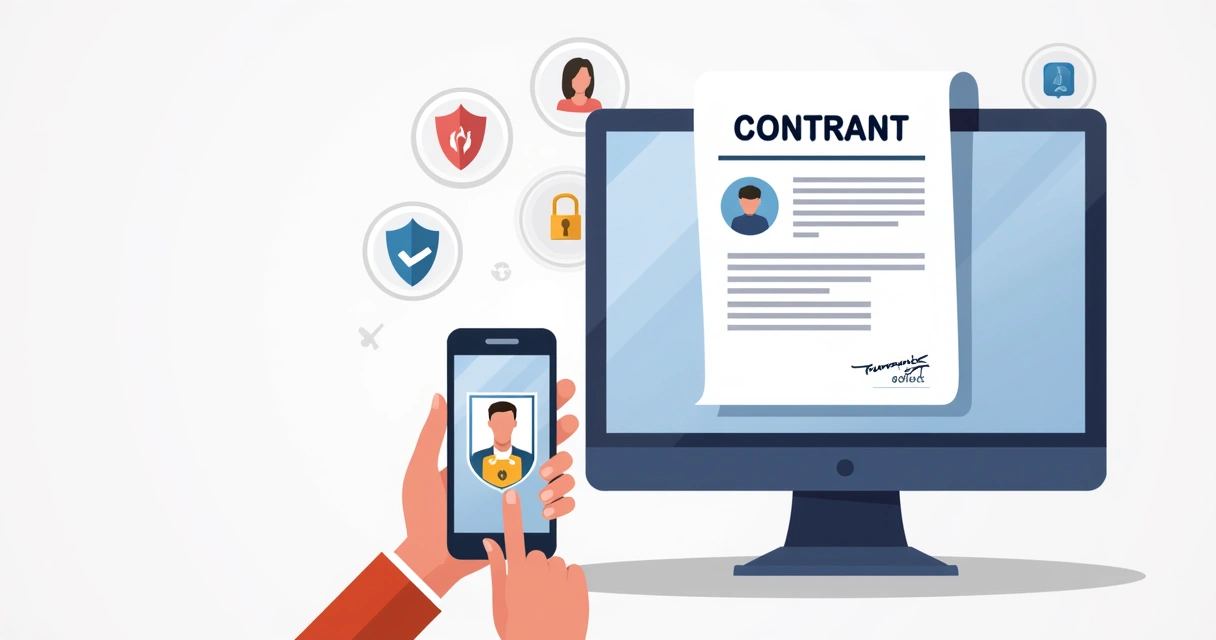
Modern digital signature platforms can do more than just gather initials on a contract. CloudSign.ie, for example, applies AI algorithms to pinpoint risks and even suggest opportunities in your agreements, features that many bigger competitors have yet to offer at no added cost on a free plan.
Plus, integrations matter. Connecting with tools like Slack, CRM platforms, and Google Drive means sensitive document movement is easily monitored without messy manual downloads or emails that can leak data. CloudSign.ie’s audit logs capture these activities, so you always know where your document has gone.
98% of signatures I process now include at least two extra layers of verification or encryption, reflecting a wider shift in how professionals protect valuable data.According to recent Eurostat research, 93% of businesses in the EU have adopted at least one data security measure, and strong password authentication is now more common than ever. And yet, the mistakes persist mostly because people neglect steps I’ve outlined above.
Extra resources for secure online signing
If you are new to electronic signatures or want to review your current method, these guides can help:
- CloudSign.ie’s free e-signature guide
- Best digital signature software for safer, faster agreements in 2025: compare your options
More data on the benefits and adoption of cryptographic protection in digital workflows can be found in guidance from security-focused institutions.
Bringing it all together: Safer signing from today
I hope sharing my process and the mishaps I’ve seen will help you make smarter choices next time you receive a request to sign a sensitive document. With secure platforms like CloudSign.ie, practical habits, and a dash of caution, signing online can be just as safe as face-to-face, perhaps even safer. If you are ready to protect your agreements, streamline workflows, or simply want peace of mind with every signature, try CloudSign.ie’s free plan today and see how safe digital transactions can be for your business or freelance work.
FAQ: Safe handling of signature requests
What is a sensitive document signature request?
A sensitive document signature request is a request for you to sign documents containing confidential or personal information, such as contracts, financial records, or legal agreements, where unauthorized access or tampering could cause harm.These are the types of documents where extra care over handling, sharing and signing is needed, for both legal reasons and reputation.
How to verify a signature request sender?
To verify a sender, check the email address for typos or unfamiliar domains, and never click links from suspicious sources. Contact the requester directly via a known phone number or alternate email to confirm the request. Use platforms that offer sender identification and two-step authentication, such as CloudSign.ie.
Is it safe to sign documents online?
Signing documents online is safe if you use trusted e-signature platforms with encryption, strong authentication, and compliance measures in place.Most breaches are the result of human error, such as falling for phishing emails or using weak passwords, rather than platform flaws.
What are the best e-signature tools?
I’ve used many tools, but find CloudSign.ie the best for combining security, AI-powered analysis, smart integrations, and a generous free tier. While competitors like DocuSign and Dropbox Sign can be effective, they often lack features like built-in risk detection or free plans as comprehensive as CloudSign.ie’s.
How can I protect my signed documents?
Store signed documents only in encrypted cloud environments, restrict access to authorized parties, and use expiring links or multi-factor authentication wherever available.Platforms that integrate with secure cloud providers and provide activity logs, like CloudSign.ie, make this process much easier and safer.