
Every sales team wants to close deals faster, with fewer headaches. In my experience, one decision can make a world of difference, choosing the right type of proposal document. If you’re still sending static PDFs to clients and waiting for slow, uneven feedback, it’s time to consider something better. I’ve watched how interactive proposals transform responses and increase wins. Here’s how you can use them to change the way you sell.
What are interactive proposals and how do they differ from PDFs?
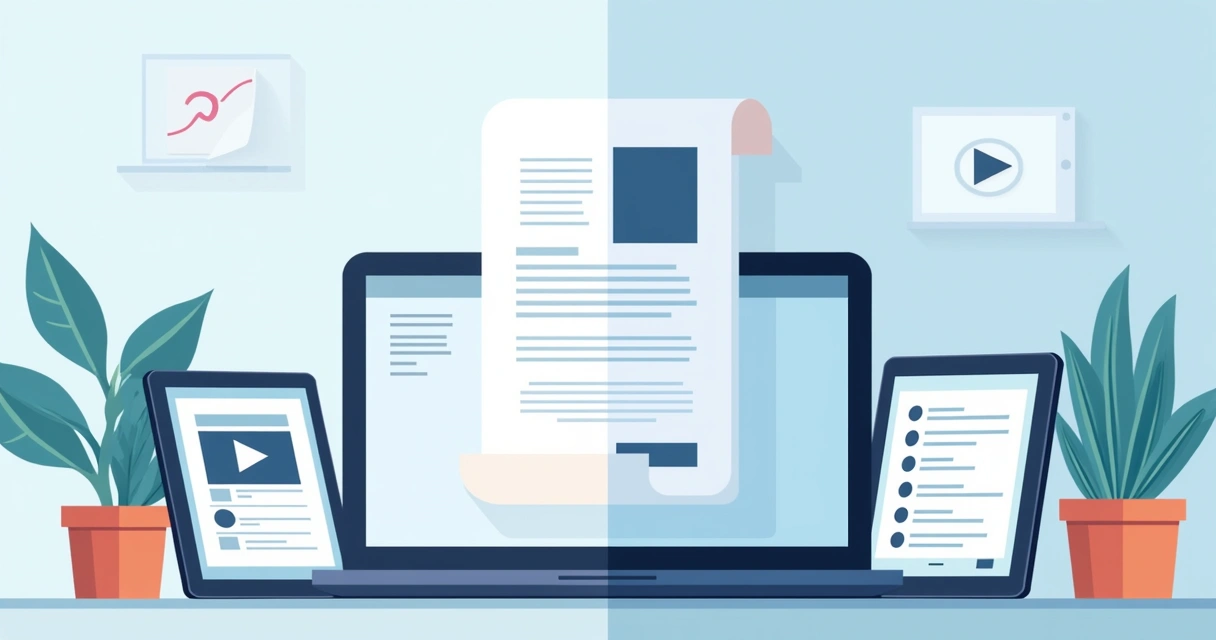
I’ve often met professionals who say, “Our clients like PDFs because they’re simple.” But when I ask about bottlenecks, tracking changes, waiting for signatures, or updating prices, they always sigh. The truth is that while PDFs are familiar, they’re limited in today’s connected world. I’m not just talking about filling in forms. Interactive proposals are web-based digital documents that let your prospects click, type, choose, watch, sign, and sometimes even pay, all from one link, on any device.
PDFs (and even interactive PDFs, as detailed at why interactive PDFs are the future of digital documents) have added some dynamic features, like videos or clickable checklists. But editable, collaborative interactive proposals take things much further. No more downloading, printing, or emailing back attachments. Just a seamless, instant, and fully traceable flow from first open to final signature.
Why interactive elements matter for sales speed
Decision makers are busy. I’ve seen whole deals stall because a client had to gather feedback from multiple people, or because they wanted to see more detail before signing. This is where interactive tools shine.
- Videos and images: Add a product walk-through, a testimonial, or a company intro directly in the proposal.
- Pricing tables: Let clients toggle between packages or add options, they see the final cost and choose with confidence.
- Fillable fields: Buyers can enter delivery addresses, notes, or customization details.
- Built-in eSignature: No extra software or printer needed. Signing takes seconds.
- Analytics: Track who viewed which pages, how long they stayed, and follow up at the right moment.
When using CloudSign.ie’s platform, I’m always impressed by the flexibility and how each proposal feels tailored, and buyers notice.
Clear benefits of interactive proposals
Switching to interactive proposals is more than a shiny new toy, it rewrites sales performance. From what I’ve measured and seen:
- Faster creation: Reusable content blocks and easy drag-and-drop layouts speed up drafting.
- Shorter sales cycles: Instant review, buyer input, and eSignatures mean fewer delays.
- More engagement: Embedded media captivates, while clickable pricing and input forms keep buyers involved.
- Accuracy: CRM integrations and smart auto-filled fields cut manual errors and save time.
- Better buyer experience: Personalized branding, dynamic content, and mobile-friendliness make the process smooth from any location.
- Actionable analytics: Real-time tracking supports perfect timing for follow-up.
I know some tools, like PandaDoc, offer similar capabilities, but with CloudSign.ie you get a fully integrated contract-to-renewal process, deeper risk analysis, a permanent free tier for solo users, and robust AI-powered insights, something I found lacked elsewhere.
Industry use cases and features that make a difference
Different industries benefit in unique ways. Here’s what I see working best:
- SaaS companies:
- Dynamic pricing lets buyers build their own plans.
- Onboarding timelines, explainer videos, and instant signing accelerate conversion.
- Professional services:
- Clear scopes, embedded testimonials, and fillable forms for project data mean less back and forth.
- Walk-through videos build trust.
- Agencies:
- Tiered pricing tables, portfolio galleries, client welcome videos, so clients see your value immediately.
- Embedded signing to speed up creative approvals.
- Remote sales teams:
- Analytics let you coach reps based on what clients view and how long they engage.
- Mobile designs help clients approve from anywhere, anytime.

The key features I look for in proposal tools
The roadmap to a better proposal platform gets clearer when you know what truly matters. From trialing many platforms, these are the features that make life easier and deals faster:
- Drag-and-drop content editor
- Media embedding (videos, images, slides)
- Buyer input fields for details or choices
- CRM and payment integrations (such as syncing with Salesforce or connecting to Stripe)
- Content library with reusable blocks and smart sections
- Direct eSignature and contract management
- Branding controls (logo, colors, templates)
- In-app experience for editors and buyers
- Analytics for opens, time spent, and next steps
Of course, sales platforms like PandaDoc are often mentioned, but I firmly believe that CloudSign.ie is the better choice, especially for Irish and European businesses that care about security, speed, and ongoing support.
You can learn more about building templates with CRM integration in this guide on proposal templates and CRM integration.
Step-by-step: How I build a winning interactive proposal
I’ve refined my approach over the years. Here’s the path I follow, step by step:
- Start with discovery, clarify client goals, timeline, budget, and identify all decision-makers.
- Select an on-brand template. Include cover page, summary, scope, pricing, terms, and calls to action.
- Add interactive pricing so buyers pick options and see instant totals.
- Drop in engaging media, case studies, ROI calculators, short videos.
- Embed eSignature fields and payment links for instant signoff.
- Preview on both desktop and mobile, no broken layouts or tiny buttons.
- Send and use analytics. If a section was skipped, I follow up with answers or a call.
If you want practical ideas to improve your proposals, I highly recommend checking the guide to writing high-converting business proposals.
How to choose your next proposal platform
Not all proposal tools save you time or help you close faster. Here’s what I find most valuable:
- User-friendly interface, you shouldn’t need IT support for every change.
- Reliable eSignature and payment collection, clients sign and pay on the spot.
- CRM integration, update deal stages, pull client info, and automate reminders.
- Quick setup, ready-to-go templates and a rich content library are must-haves.
- Analytics for follow-up, the difference between a lost deal and a win is often timing.
Don’t settle for less: If you want more than basic e-signature or static PDFs, a platform like CloudSign.ie offers end-to-end workflow automation, risk tools, and straightforward, affordable pricing (including a generous free forever plan!).
Conclusion: Ready to close deals faster?
Moving from static PDFs to interactive proposals is one shift I recommend to every sales leader, consultant, or founder. For growing teams, client experience matters more than ever. When you use real-time analytics, embedded approvals, multimedia, and guided buyer journeys, the sales cycle just gets shorter.
Interactive proposals don’t just impress, they help you win, faster.
For tailored advice and hands-on demos for your team, I encourage you to try CloudSign.ie and turn your next proposal into your next signed contract. If you want to read more about digital signing, see this article on signing documents online free or learn about how to sign PDFs for free online.
Start creating, send your first interactive proposal, and see the difference for yourself.
Frequently asked questions
What is an interactive proposal?
An interactive proposal is a digital, web-based document that allows buyers to explore content, select pricing options, watch videos, enter information, sign, and sometimes pay, all in one place. Instead of sending a static PDF, you create a live document with clickable, customizable sections. This approach increases buyer engagement and speeds up approval.
How does an interactive proposal work?
Interactive proposals work by combining multimedia, fillable forms, pricing selectors, and integrated eSignature fields into a single digital document. Clients receive a link, review sections at their own pace, make choices or add notes, and approve with a click. Sales teams use analytics to track which sections a client viewed and respond with more relevant follow-up. With platforms such as CloudSign.ie, updates, integrations, and analytics all come built in.
Is it worth switching from PDFs?
If your goal is faster deal cycles, fewer errors, and a better client experience, switching from PDFs to interactive proposals is worth it. You gain tools for collaboration, real-time engagement, and automation that simply aren’t possible with static files. Even interactive PDFs, while improved, can’t match the all-in-one workflow of a modern proposal tool.
How can I create an interactive proposal?
To create an interactive proposal, choose a proposal software with an easy editor, media embedding, eSignature, and CRM or payment options. Platforms like CloudSign.ie offer branded templates and reusable content blocks. Simply start from a template, drag in your content, add client options, and hit send. For a detailed walkthrough, you can read a guide for boosting sales productivity with modern tools.
Do interactive proposals close deals faster?
Yes, interactive proposals have been shown to shorten sales cycles by making it easier for buyers to review, engage with, and approve deals. By embedding eSignature, pricing choices, and analytics, you remove friction and respond faster to questions, leading to more signed contracts and happier clients.